How to find a team for World of Warcraft
Add your preferred mode, platform, and play time to find people with a similar rhythm faster.
A precise request makes it easier to find the right people.
Find a teammate or a team for World of Warcraft in the Lonly Telegram bot.
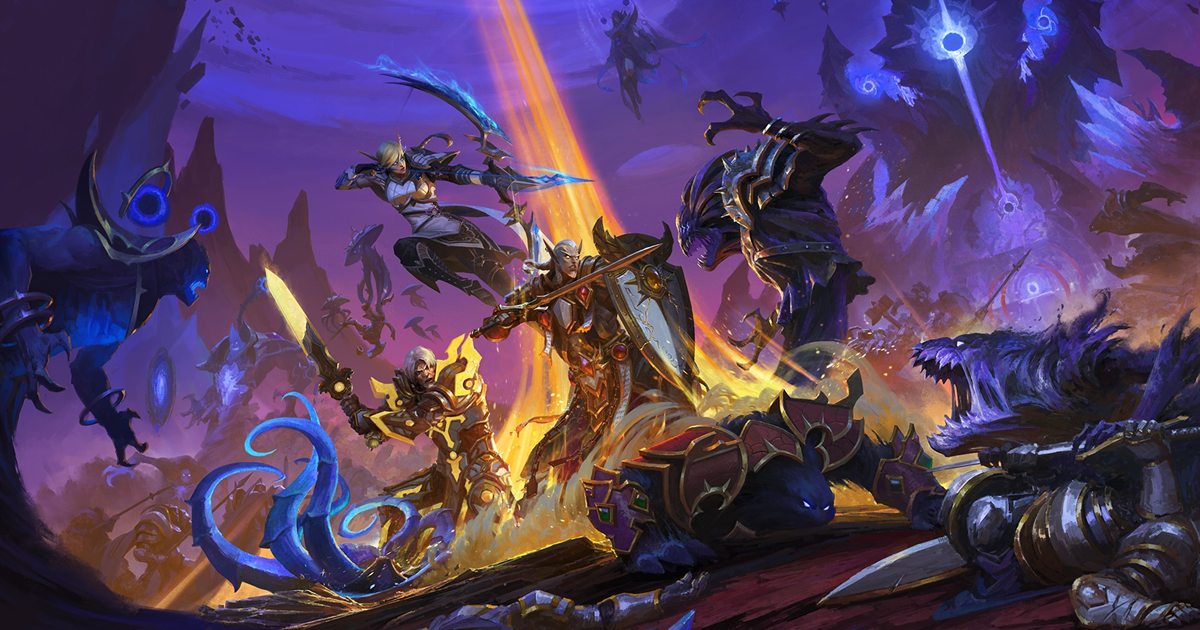
Find an evening teammate, a regular party, or a ranked team. Set the format and time that work for you.
Select the game and the session format that works for you.
Add a platform, time, and the mode you want to play.
Open Telegram and start playing together.
Add your preferred mode, platform, and play time to find people with a similar rhythm faster.
A precise request makes it easier to find the right people.
Find a teammate or a team for World of Warcraft in the Lonly Telegram bot.
Open the Lonly Telegram bot, select World of Warcraft, and set your preferred format and time.
In the bot you can set the game, mode, and a convenient time, then discuss details in Telegram.
Open the bot and find teammates